


IQOS ILUMA Not Producing Vapor? Top Solutions for Dubai Users

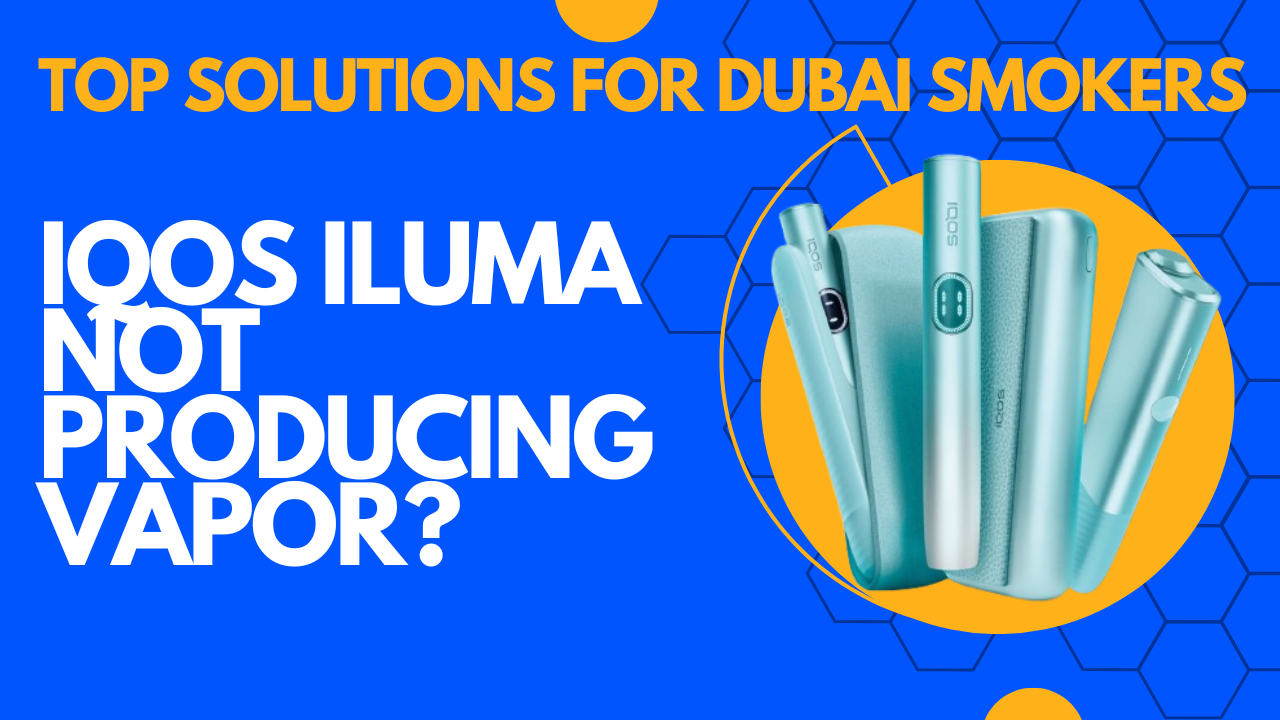
If you’re an IQOS ILUMA user in Dubai, you know how frustrating it can be when your device doesn’t produce vapor. This issue is not uncommon and can occur even with new devices. The good news is that most problems are easy to identify and fix. In this detailed guide, we’ll explore the causes of poor vapor production, provide practical solutions, and share preventive tips to keep your ILUMA working perfectly in Dubai’s unique climate.
Understanding the IQOS ILUMA Devices vs TEREA Sticks
The IQOS ILUMA series uses a Smartcore Induction System to heat specially designed tobacco sticks without burning them. Key New models include:
- Iluma I One – compact, user-friendly, ideal for beginners.
- Iluma I Standard – classic design with full-featured performance.
- IQOS ILUMA I Prime – premium model with enhanced heating and longer battery life.
Key Features of ILUMA Devices:
- Cleaner sessions: Less residue than older models.
- Automatic cleaning: Minimal maintenance, though occasional care is needed.
- Consistent flavor: Optimized vapor with each stick.
In contrast, TEREA sticks use a slightly different heating method. While both devices aim to deliver smooth vapor, the mechanism, stick design, and maintenance requirements differ.
Pro Tip: If your ILUMA device seems charged but isn’t producing vapor, it’s often residue in the induction chamber , not the battery and that’s causing the issue.
Understanding Device Indicators and Lights
The IQOS ILUMA communicates its status using LED lights. Knowing what each light means is crucial for quick troubleshooting:
- Blinking White Light: Device is warming up. Wait until it turns solid white before using.
- Solid White Light: Ready to use. Take your first puff.
- Blinking Red Light: Minor error or low battery. Often solved by charging or resetting the device.
- Solid Red Light: Critical error. Usually requires professional support.
By observing these lights, Dubai users can often preempt a malfunction. For instance, a blinking red light in high temperatures may indicate overheating rather than a permanent device fault.
Common Reasons IQOS ILUMA May Not Produce Vapor
Several factors can prevent your ILUMA from producing vapor. Understanding these will help you pinpoint the issue:
1. Device Not Charged Properly
Even a nearly full battery can sometimes fail to produce consistent vapor. Always use the original charger and cable, and let the device fully charge. Third-party chargers may deliver inconsistent power, causing heating problems.
2. Blocked or Dirty Heating Chamber
Despite ILUMA’s self-cleaning features, residue from tobacco sticks can accumulate, blocking vapor production. Signs include weaker flavor, reduced vapor, or the device feeling hotter than usual. Regular cleaning with IQOS sticks or a soft brush is essential.
3. Faulty Tobacco Stick or Improper Insertion
ILUMA-compatible Terea sticks must be inserted correctly. Misalignment or using older sticks can prevent proper induction heating, resulting in weak or no vapor.
4. Software or Firmware Glitch
ILUMA devices sometimes experience software errors. This can show as unusual blinking lights, failure to start, or inconsistent heating. Resetting the device or connecting to the IQOS app for firmware updates can solve this.
5. Environmental Factors
Dubai’s extreme heat or high humidity can affect performance. Overheating reduces battery efficiency and may trigger error signals. Store and use your device indoors or in moderate conditions for optimal results.
Common User Mistakes with IQOS ILUMA
Even careful users can unknowingly affect vapor production. Here are some frequent mistakes:
- Overusing the Device in Quick Succession: Continuous use without breaks can overheat the induction system.
- Using Non-Compatible or Counterfeit Sticks: Only official ILUMA sticks guarantee proper heating and flavor.
- Skipping Regular Cleaning: Even minimal residue can eventually block vapor.
- Exposing Device to High Heat: Leaving ILUMA in direct sunlight or a hot car can affect performance.
Being aware of these mistakes helps maintain device longevity and vapor consistency.
Step-by-Step Solutions for IQOS ILUMA Users in Dubai
Here’s a detailed guide to fixing the issue:
1. Charge the Device Fully
- Connect using the original charger.
- Allow the device to charge until the indicator shows a full battery.
- Avoid quick-charge methods or third-party chargers.
2. Clean the Heating Chamber
- Remove the used tobacco stick.
- Use an official IQOS cleaning stick to remove residue from the bottom and sides.
- For stubborn residue, a soft brush can help. Never use water or abrasive materials.
3. Check and Correct Stick Insertion
- Insert the stick gently but firmly.
- Ensure it aligns with the induction chamber. Improper insertion prevents the system from heating effectively.
4. Reset or Update the Device
- Perform a soft reset if lights are blinking or the device is unresponsive.
- Use the IQOS app to check for firmware updates. Regular updates improve performance and resolve minor bugs.
5. Test in Ideal Conditions
- Avoid extreme heat or humidity.
- Indoor usage ensures the battery and induction system work optimally.
6. Seek Professional Help if Needed
- If problems persist, visit an official IQOS Dubai store or certified reseller.
- Certified technicians can inspect hardware issues or replace faulty components.
Myths vs Facts About IQOS ILUMA Not Producing Vapor
Understanding the difference between myths and facts ensures efficient troubleshooting:
| Myth | Fact |
| Only old devices stop producing vapor. | New ILUMA devices can experience issues due to residue, battery, or environmental conditions. |
| Any tobacco stick works in the ILUMA. | Only official ILUMA-compatible Terea sticks deliver optimal vapor. |
| Cleaning once a month is enough. | Depending on usage, weekly cleaning may be necessary to maintain performance. |
Note: Addressing these myths helps prevent unnecessary panic and wasted effort.
Preventive Tips for Consistent Vapor Production
Preventive maintenance ensures your ILUMA works optimally:
- Clean the heating chamber weekly.
- Use only authentic ILUMA tobacco sticks.
- Avoid exposing the device to high heat or direct sunlight.
- Keep firmware updated using the IQOS app.
- Store in a cool, dry place when not in use.
Following these simple habits can save time, money, and frustration.
Step-by-Step Guide: Cleaning Your IQOS Devices for Optimal Performance
Environmental Impact and Health Note
While IQOS ILUMA is marketed as a reduced-risk alternative to smoking, responsible use is essential:
- Regular maintenance ensures efficient vapor production.
- Avoid using in extreme conditions to maintain device longevity.
- Dispose of used sticks properly to minimize environmental impact.
- Understand that heat-not-burn devices are not risk-free; moderation is key.
Maintenance Checklist for Dubai Smokers
| Frequency | Tasks |
| Daily | Charge device, check stick alignment |
| Weekly | Clean heating chamber, inspect residue |
| Monthly | Check firmware updates, replace worn components |
Dubai-Specific Tips and Support
Dubai’s climate can affect device performance. Here’s what local users should know:
- Avoid leaving the device in hot cars or near windows.
- Store in air-conditioned spaces whenever possible.
- Visit official IQOS stores or Retailer in Dubai for device checks, repairs, or replacement sticks. Some recommended locations:
- The Dubai Mall IQOS Store
- Mall of the Emirates IQOS Store
- Retailer Trough Online website
Certified support ensures safe handling and keeps your warranty intact.
Warranty & Support Details for Dubai Users
IQOS ILUMA devices in Dubai have a limited warranty covering manufacturing defects (6–12 months). For support:
- Bring the device and proof of purchase to official stores.
- Use the IQOS app or customer service for troubleshooting and firmware updates.
- Always rely on certified support to protect your warranty.
When to Contact IQOS Support or Retailer?
Seek professional support if you experience:
- Device won’t turn on.
- Solid red light indicating a critical error.
- No vapor after following all troubleshooting steps.
Dubai users can visit official IQOS stores or certified resellers Like Terea Dubai to inspect or replace the device under warranty. Always use certified support to ensure safe handling.
Conclusion
An IQOS ILUMA that isn’t producing vapor can be frustrating, but the solution is often straightforward: charge, clean, and ensure correct usage. Dubai’s climate and user habits may occasionally cause minor hiccups, but with proper care, your ILUMA will consistently deliver smooth, flavorful vapor.
Pro Tip: Regular maintenance and awareness of environmental factors go a long way. Take care of your device, and it will take care of you.
FAQ
Why is my IQOS ILUMA not producing vapor after cleaning?
Residue may still be present; clean thoroughly with official sticks and a soft brush.
Can Dubai heat damage my IQOS ILUMA?
Extreme heat affects battery performance and heating efficiency. Store in cool, shaded areas.
How often should I clean my ILUMA?
Weekly cleaning is recommended for frequent users; occasional users may clean every two weeks.
Does using third-party sticks affect vapor production?
Yes, non-ILUMA sticks Like Heets often do not heat properly, resulting in weak or no vapor.