


How to Maintain and Troubleshoot Your IQOS ILUMA Device in UAE

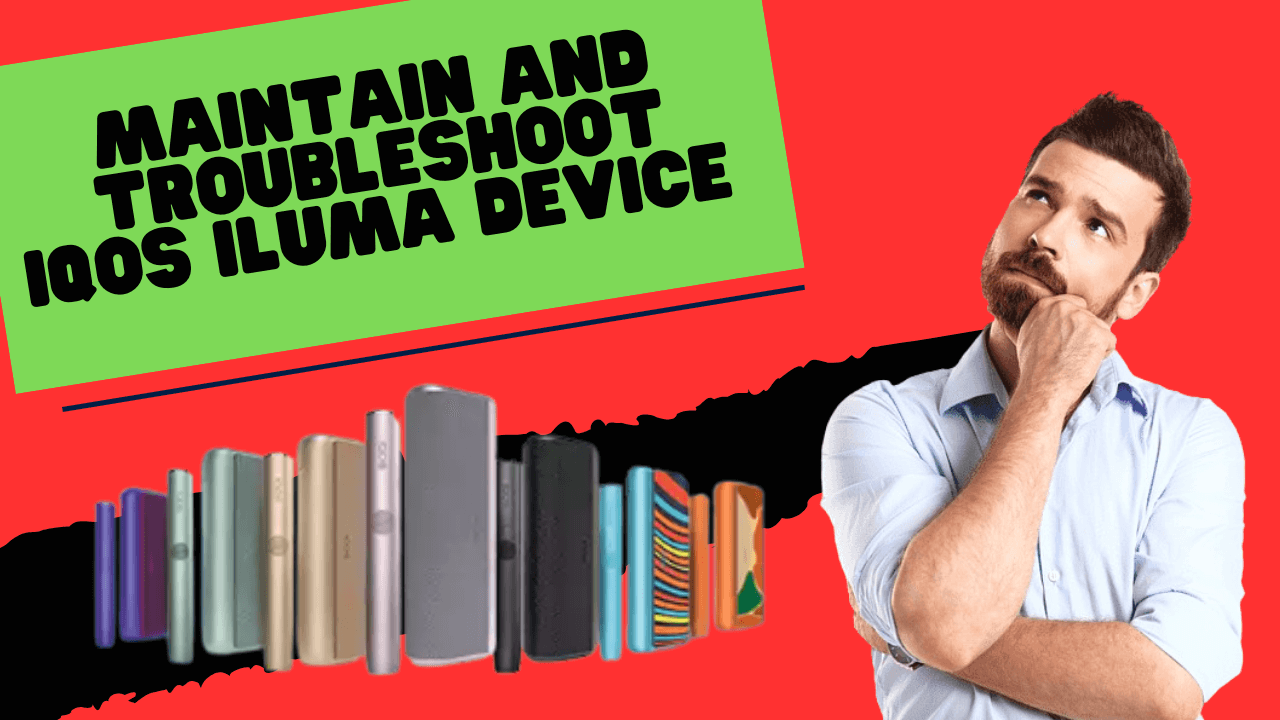
Caring for an IQOS ILUMA device is not complicated, yet small habits can make a big difference in how long it lasts and how smoothly it performs. Users in the UAE face unique conditions such as strong heat, higher humidity in coastal areas and frequent exposure to dust when moving outdoors. These daily factors can reduce battery strength, weaken performance, and shorten the overall lifespan of the device if not managed correctly.
This guide walks you through simple cleaning steps, smart charging habits, long term storage advice and common mistakes to avoid so your ILUMA stays in great shape for a longer time.
Why Proper Care Matters for ILUMA Users in UAE
The IQOS ILUMA Device uses a blade-free heating system that relies on consistent power flow and clean airflow to deliver a smooth session. When the device is kept clean and managed with care, users enjoy better flavor, steady heating and reliable battery performance. In contrast, high temperatures, dusty air and careless charging routines create strain on the device.
A well-maintained device supports:
- smoother draws
- better flavor stability
- fewer performance errors
- longer battery health
In Dubai, Abu Dhabi and other regions know how quickly a device can warm up when left in a car or pocket. This guide gives you everything you need to prevent such issues.
Which IQOS ILUMA Is Best for You? Full Product Guide for Dubai Smokers
Smart Battery Habits for a Longer ILUMA Life
Battery performance is the heart of the ILUMA experience. A healthy battery helps the device heat consistently and last through many sessions.
Daily Battery Practices
Your ILUMA battery responds best to gentle, balanced use. Keeping the capacity within a moderate range preserves its strength.
Good daily habits include:
- Charging the device before it drops too low
- Unplugging it once it reaches a full charge
- Placing it in a cool spot during the charging process
- Avoiding sessions when the device feels warm
Tips: These habits keep the battery stable and ready for regular use.
Charging Habits to Follow
Charging is simple but must be done the right way. The safest way to protect the battery is to use the original charging cable and adapter because these deliver consistent current.
You can follow these steps for better results:
- Charge the device after about twenty uses
- Keep the battery between twenty and eighty percent when possible
- Allow the device to cool before placing it on charge
- Begin your usage journey with a full charge when the device is new
Tips: These steps support long term reliability and keep battery cells in good condition.
What to Avoid During Charging
There are a few habits that quietly reduce battery health. Many users do not notice them at first, but over time, they have a real impact.
Avoid these actions:
- Leaving the device charging overnight
- Plugging into unstable adapters
- Charging in a hot environment, such as inside a car
- Using the device while it is connected to the charger
Tips: These practices put stress on battery cells and reduce the overall lifespan.
How to Clean Your ILUMA Device Safely in Dubai
The ILUMA device features a blade-free induction system which does not require internal tools. This design keeps the heating mechanism protected, but the exterior and cap still need gentle cleaning. Regular care helps the device stay presentable and stops debris from collecting around the cap.
Exterior Cleaning Steps
Exterior cleaning is simple and quick. All you need is a soft piece of cloth. Gently wipe the body of the holder and the charger to remove marks, dust and fingerprints. Keeping the surface clean also reduces the chance of dust entering the charging port.
Cleaning the Cap and Removing Debris
Although the chamber should not be cleaned with tools, the cap can collect loose particles after use. You can remove them with a few careful taps.
Steps you can follow:
- Remove the cap after your session
- Hold the holder upside down
- Tap lightly to release any loose tobacco bits
- Use a clean, dry swab if needed around the rim of the cap
- Avoid using liquids or forceful pressure
Tips: This helps maintain a clean airflow path without harming the internal elements.
Weekly Care Routine
A weekly routine keeps your ILUMA feeling fresh and smooth.
Your routine can include:
- Wiping the exterior clean
- Checking the cap for residue
- Making sure the charging port is free from lint
- Storing the device in a clean pouch when travelling
By following this once every few days, you reduce the risk of performance issues.
Best Storage and Usage Conditions in UAE Climate
The UAE climate can be challenging for electronic devices. Heat buildup and moisture can impact performance if not monitored. Since the ILUMA relies on stable temperature to heat sticks efficiently, storage becomes important.
Ideal Temperature Range
The device performs best within a temperature range from zero to thirty-five degrees Celsius. This ensures steady heating without stressing internal components.
Protecting the Device from Heat
Heat is one of the most common reasons a device becomes slow or unresponsive. Leaving the ILUMA inside a parked car or near a window can cause the battery to warm up rapidly.
You can protect your device by:
- Keeping it in your bag rather than leaving it exposed
- Placing it in a shaded spot when outdoors
- Avoiding long exposure to direct sunlight
- Allow it to cool naturally if it feels warm
These easy steps prevent overheating and preserve battery health.
IQOS ILUMA Not Producing Vapor? Top Solutions for Dubai Users
Keeping the Device Dry
Moisture can appear from sudden temperature shifts, especially when moving between air-conditioned spaces and humid outdoor air. Keeping the device dry is essential.
Simple precautions include:
- Storing the device in a dry pouch
- Avoiding use in wet environments
- Wiping the exterior if condensation appears
Dry storage helps maintain smooth airflow and prevents contact issues.
How to Store Your ILUMA for Long-Term Use
If you are not using the ILUMA for a few days or weeks, store it in a cool and dry place. Make sure the battery is not completely empty. A mid-level charge is ideal for long-term storage.
You can store it safely by:
- Placing it inside a protective case
- Keeping it away from heat and moisture
- Ensuring the charging port stays clean
- Avoiding heavy objects pressing against the device
Tips: Proper storage prevents accidental pressure on sensitive parts and protects the battery.
Recommended Cooling and Usage Gaps
The ILUMA performs best when each session is followed by a short cooling period. Continuous heating puts strain on the internal system.
You can follow these habits:
- Allow the holder to cool for a few minutes before starting another session
- Avoid repeated use when the device feels warm
- Keep the holder out of direct heat while cooling
These small breaks allow the induction system to regulate temperature naturally.
Simple Troubleshooting Tips for IQOS Iluma Device
Most minor issues can be solved with basic checks. The table below gives easy steps you can try before seeking more help.
Troubleshooting Table
| Issue | Possible Reason | Suggested Action |
| Device not charging | Dust in USB C port | Clean the port gently and reconnect |
| Weak performance | Dust in USB-C port | Clean the cap and allow the device to cool |
| Session ends quickly | The cap contains loose debris | Let the device cool and recharge fully |
| Lights not responding | Temporary system freeze | Hold the charger button to reset |
These steps cover common situations without interfering with internal parts.
Common Mistakes That Reduce Device Lifespan
A few habits often lead to faster wear and tear. Being aware of them helps you avoid unnecessary damage.
Common mistakes include:
- Using non-original charging cables
- Leaving the device in a hot vehicle
- Overcharging overnight
- Using the device repeatedly without cooling
- Trying to clean inside the heating chamber
- Exposing the device to moisture
- Letting dust collect around the cap and charging area
Tips: Avoiding these actions supports long-lasting performance.
How UAE Environment Affects ILUMA Performance
UAE residents experience strong sunlight, desert dust and rapid temperature shifts. These environmental elements create a challenging atmosphere for electronic devices.
Key influences include:
- Heat reduces battery efficiency
- Dust settles around the cap and port areas
- Humidity can cause rapid condensation
- Long car exposure accelerates battery stress
Understanding these factors helps users adjust their daily habits accordingly.
Quick Reference Guide for Common Problems
This section gives a simple overview you can revisit anytime. These steps solve most everyday issues.
| Problem | Likely Cause | Quick Fix |
| Flavor feels weak | Debris around cap | Clean the cap and allow cooling |
| Holder warms too quickly | Continuous sessions | Take a short break |
| Charging takes longer | Warm environment | Charge the device in a cool area |
| Red light appears | Temporary malfunction | Debris around the cap |
Frequently Asked Questions
How often should I clean my ILUMA device?
Regular exterior cleaning every few days keeps the device neat. The cap can be checked after each session to remove loose debris.
Can I wash the cap with water?
It is better to avoid water. A dry cloth is enough to keep it clean.
Why does my device feel warm during use?
The device naturally warms while heating the stick. If it becomes too warm, allow it to cool before the next session.
How can I protect my ILUMA from UAE heat?
Keep it out of direct sunlight, avoid leaving it in a parked car and store it in a shaded pouch when outdoors.
What should I do if the device shows a red light?
A reset usually helps. Hold the button on the charger until the lights turn off and on again.
Final Thoughts
A well-maintained IQOS ILUMA delivers steady performance and a pleasant experience every day. Simple habits such as proper charging, gentle cleaning and mindful storage protect the battery and extend the overall lifespan. The UAE climate makes care even more important, but with the right routine, your device can stay reliable for a long time. A few minutes of attention each week gives you a smoother and more enjoyable journey with your ILUMA.