IQOS Red Light Explained: What It Means and How to Fix It Fast

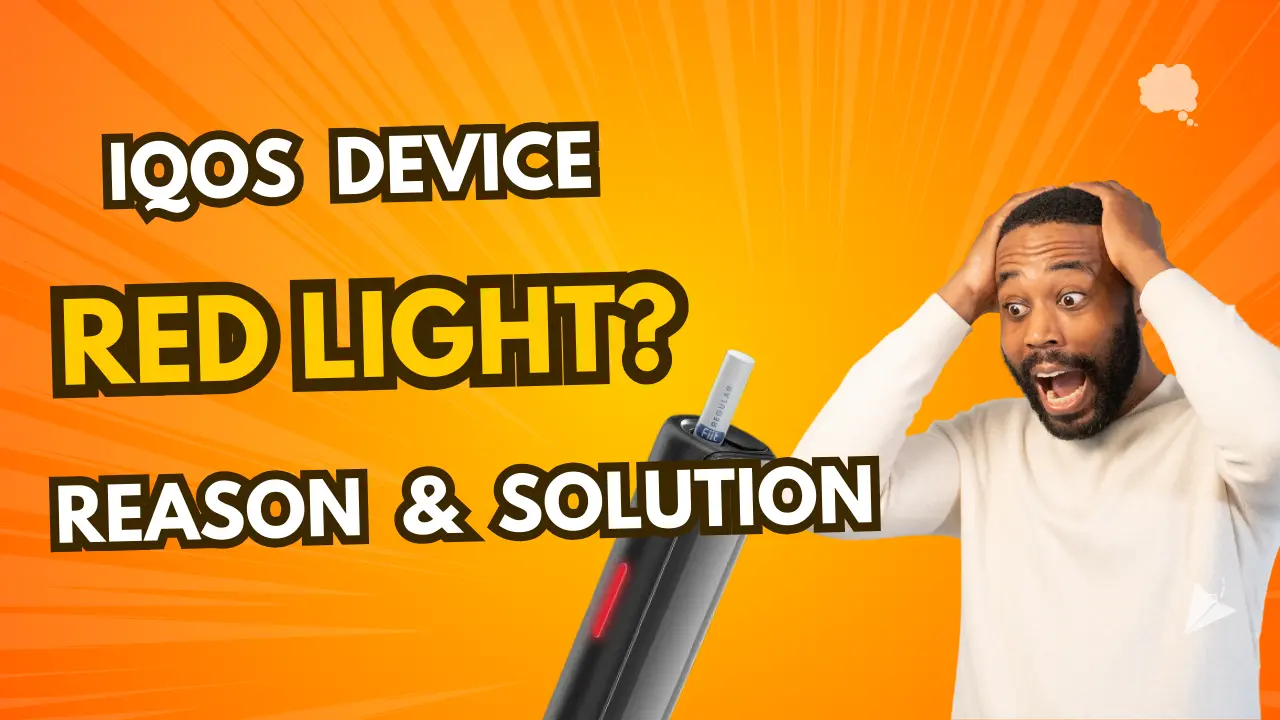
If you’re an IQOS user, you’ve probably noticed the device’s LED indicator lights up in different colors, including red. While the device is designed to provide a smooth experience, a red light can sometimes be confusing or concerning. But don’t worry, it’s usually a signal that your device is trying to communicate something important.
In this blog, we’ll explore the top reasons why your IQOS lights up red and what you can do to resolve it.
What is IQOS?
IQOS means “I Quit Original Smoking.” It’s a product by Philip Morris International. The device is a smoke-free tobacco experience. It uses real tobacco but without smoke.
Traditional cigarettes burn tobacco at high temperatures. This produces smoke and ash. Iqos heats the tobacco to release a flavorful vapor. This reduces the harmful chemicals found in smoke.
How Iqos Works
The Iqos device has three main parts:
- Holder
- Charger
- HeatStick
The Holder holds the HeatStick, which has the tobacco. The charger powers the holder. Users insert the HeatStick into the holder. The holder heats the tobacco to produce vapor.
The device has a heating blade. This blade heats the tobacco up to 350°C. The vapor produced is inhaled by the user. This is no combustion. This means fewer harmful chemicals are released.
Iqos Problems
Many Iqos users encounter common issues with their devices. One of the most common is the Iqos, which lights up red. This can be due to many reasons. Understanding these issues will help you fix them quickly.
Battery Issues
IQOS may light up red due to battery issues. A faulty battery can cause the device to malfunction. Here are the signs of battery problems:
- IQOS won’t turn on.
- The device heats up too much.
- The battery drains fast.
To fix battery issues:
- Charge the battery fully.
- Don’t overcharge the device.
- Replace the battery if it’s old.
Charging Problems
Another reason for the red light is charging problems. A bad connection can prevent charging. Here’s what to check:
- The charger is plugged in properly.
- The charging cable is damaged.
- The power source is working.
Follow these tips to fix charging problems:
| Problem | Solution |
|---|---|
| Loose connection | Reconnect the cable securely. |
| Damaged cable | Replace the charging cable. |
| Faulty power source | Use a different power outlet. |
The Red Light
The red light on your IQOS device can be puzzling. Let’s get to the bottom of what it means and when it shows up.
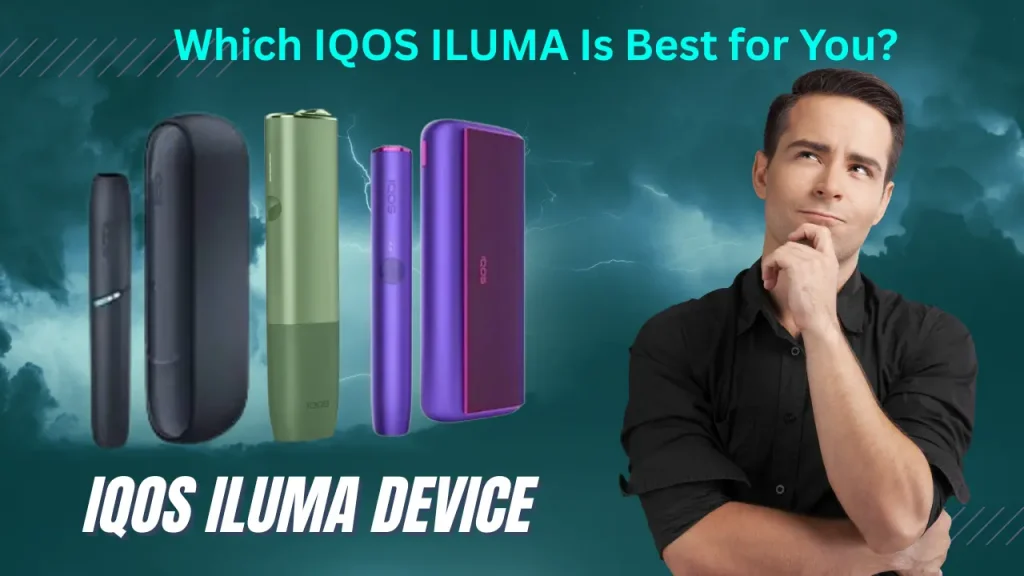
Here are some IQOS devices:
- IQOS Iluma I Prime Black
- IQOS ILUMA I Prime Blue
- IQOS Iluma i Standard Blue
- IQOS Iluma I Standard Orange
What the Red Light Means
The red light on your IQOS is a sign. Something is wrong. This could be the battery, the heating blade, or something else.
| Red Light Indication | Possible Cause |
|---|---|
| Constant Red Light | Battery issue |
| Blinking Red Light | Heating blade issue |
| Red Light during use | Device overheating |
When the Red Light Shows Up
- Charging: If the red light shows up while charging, the battery might be faulty.
- Using: If the red light shows up while using the device, it’s overheating.
- Idle: If the red light shows up when the device is idle, it needs a reset.
Check the user manual for troubleshooting tips. If the problem persists, contact customer support.
Technical Reasons for Red Light
Many users ask, “Why is my Iqos red?” There are many technical reasons for this. Let’s find out the common ones.
Hardware Issues
Hardware issues are the main reason for the red light on your IQOS device. This can be due to:
- Battery problems: The battery is damaged or not charging.
- Heating blade problems: The heating blade is broken or malfunctioning.
- Connection issues: Poor connections within the device will show the red light.
In some cases, cleaning the device will fix the connection issues. Use a soft brush to clean the contacts and the heating blade. If the problem persists, contact a professional.
Firmware Issues
Firmware errors also cause the red light on IQOS devices. Firmware is the software that runs the device. If it’s outdated or corrupt, it can cause:
- Outdated firmware: Make sure your device has the latest firmware version.
- Corrupted firmware: Corrupted software will show the red light.
Updating the firmware will often fix these issues. Connect your Iqos to a computer and use the official software to update it.
In some cases, a factory reset might be needed. This will restore the device to its original settings and will fix persistent firmware issues.
Best Tips: If none of the above solves the issue, contact customer support.
User-related Reasons
Many users ask why their Iqos device lights up red. This is often user-related. Let’s find out.
No Maintenance
No maintenance can also cause the red light. Regular cleaning is important. A dirty device will cause many problems. Use the cleaning tool to remove the residue. Clean the holder and the cap. Do this after every pack of HEETs.
Also, check the device for damage. Look for cracks or anything broken. If any part is broken, it will show the red light. Be gentle with your Iqos.
| Issue | Solution |
|---|---|
| Improper Usage | Regularly clean the device, and check for damage |
| Lack of Maintenance | Regularly clean the device and check for damage |
IQOS Device Red Light Fix
If your IQOS is showing a red light, it’s annoying. Knowing what’s going on and how to fix it is key. This will walk you through the steps to fix the red light.
Basic Troubleshooting
Try these simple steps first:
- Restart the device: Press the power button for 10 seconds. Wait for the lights to go out, then release the button.
- Charge the Device: Plug in the IQOS. Leave it to charge for at least 20 minutes.
- Check the charger: Try a different charger or USB cable. Check the power source.
- Clean the Device: Use the IQOS cleaning tool. Remove any tobacco residue inside the device.
Advanced Solutions
If basic troubleshooting doesn’t fix the issue, try these:
- Reset the Device: Press and hold the power and Bluetooth buttons for 10 seconds. Release when the lights blink.
- Update the firmware: Plug in the device. Use the IQOS app to check for firmware updates.
- Check for Overheating: Let it cool down. Don’t use it in direct sunlight.
- Contact Support: If all else fails, contact IQOS support. They can help or replace it.
Future Proofing of IQOS Devices
Seeing your IQOS turn red is annoying. Future-proofing is easier than you think. Proper care and regular maintenance are key. By following these simple steps, you can avoid seeing that red light again.
Device Care
Proper care keeps your IQOS running smoothly. Always handle your device with clean hands. Don’t drop or knock it. Keep it away from water and extreme temperatures.
- Store your IQOS in its case when not in use.
- Use the official charger.
- Keep your IQOS out of direct sunlight.
Maintenance Tips
Maintenance is key to your IQOS. Clean your device at least once a week. Use the cleaning tool provided by IQOS.
- Turn off your IQOS before cleaning.
- Remove the cap and clean the holder.
- Use the cleaning sticks for detailed cleaning.
Check for software updates. Updates can fix bugs and improve performance. Follow these steps to update:
- Connect your IQOS to your computer.
- Go to the IQOS website.
- Download and install the latest software update.
By following these tips, your IQOS will be good to go. Enjoy without the red light.
Some Popular Terea Heets Flavor in Dubai
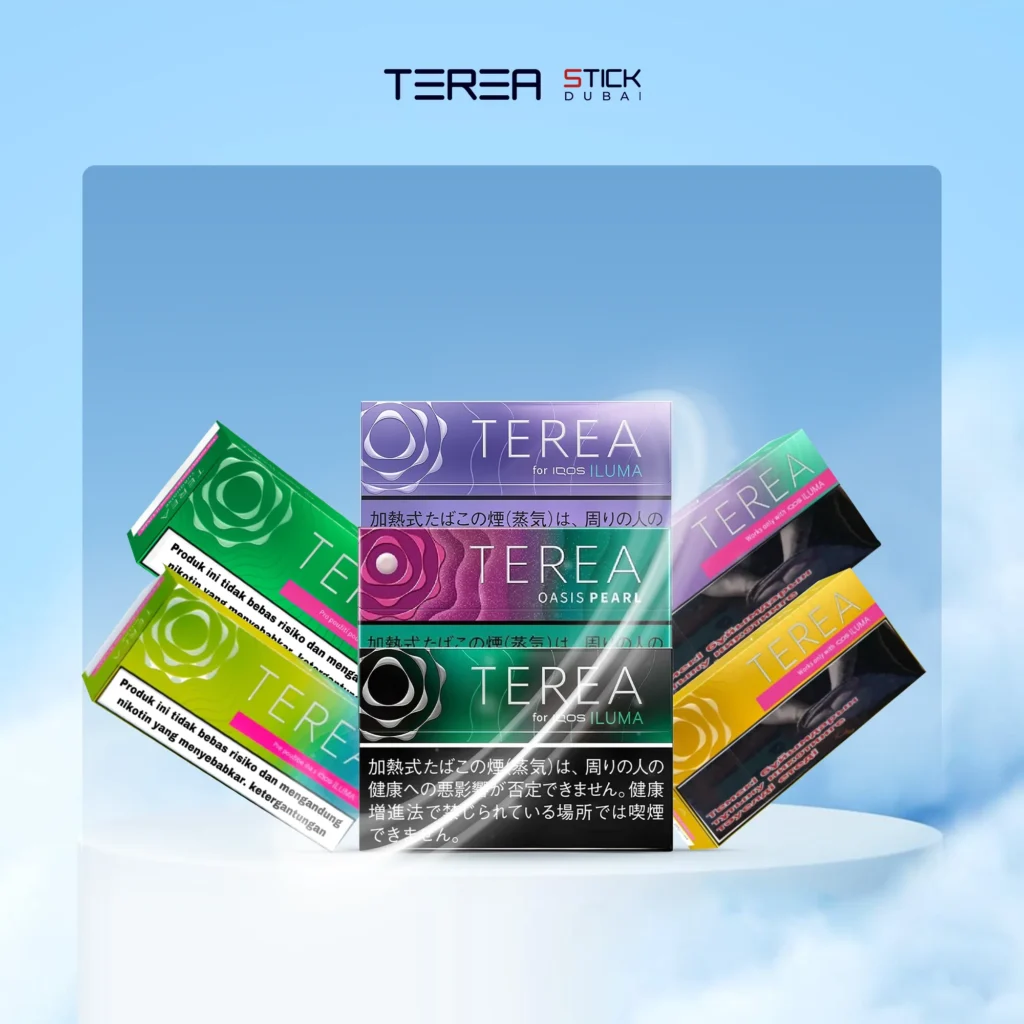
- Terea Black Yellow Menthol
- Terea Black Purple Menthol
- Terea Blue
- Terea Bold Regular
- Terea Bright Menthol
- Terea Bright Wave
- Heets Green Zing
- Heets Purple Wave
- Heets Silver Selection
- Heets Summer Breeze
- Heets Bronze Selection
When to Get Help for Your IQOS Device
Knowing why your IQOS lights are red will save you time and stress. Sometimes a simple fix will resolve the issue. But sometimes you need professional help. Let’s get into severe problems and contact customer support.
Severe Problems
If your IQOS device is constantly red, it’s a severe issue. Here are the signs to look out for:
- The red light persists after resetting the device.
- The device overheats.
- The device won’t charge or hold a charge.
- Unusual smells or sounds from the device.
If you see any of these signs, don’t use the device. Using a faulty device can cause more damage or safety risks.
Contact Customer Support
If you have severe problems, contact IQOS customer support. Here’s how:
- Go to the IQOS website.
- Go to the support section.
- Choose your country or region.
- Find the contact options (phone, email, live chat).
Before you contact support:
- Have your device model and serial number ready.
- A detailed description of the issue.
- Any troubleshooting you’ve already done?
Providing detailed information helps the support team assist you more efficiently. They can guide you through additional troubleshooting steps or arrange for a repair or replacement.
| Issue | Action |
|---|---|
| Red light persists | Contact support immediately |
| Device overheating | Stop using and contact support |
| Charging issues | Seek professional help |
| Unusual smells or sounds | Contact support |
Final Thoughts
A red light on your IQOS device does not always mean a serious issue. In most cases, it is a simple alert for cleaning, charging, or a small technical adjustment. With proper care, regular maintenance, and mindful usage, your IQOS can perform efficiently for years.
If you face persistent problems, reach out to official IQOS service centers in the UAE. They can provide expert help, repair guidance, or device replacement.
For more detailed guides, updates, and the latest IQOS ILUMA-compatible Terea flavors, explore trusted UAE retailers that specialize in smoke-free tobacco experiences.
Common Questions About IQOS Red Light
Why does my IQOS light turn red?
The red light signals an internal issue such as low battery, overheating, or a damaged heating blade. It is the device’s way of telling you that it needs attention.
Can I continue using IQOS when the light is red?
No. Stop using the device immediately and check the cause. Using it during a red signal can worsen the problem or damage internal parts.
How do I fix the IQOS red light at home?
Try restarting, charging fully, cleaning the holder, and updating the firmware. If it still fails, perform a reset or contact customer support.
Does Dubai’s weather affect IQOS performance?
Yes. High temperatures can cause overheating. Keep your device shaded and allow cooling time between sessions.
Is the red light the same on all IQOS models?
The signal system is similar across IQOS ILUMA, DUO, and 3.0, but blinking patterns may vary slightly. Always check the user manual for your model.